
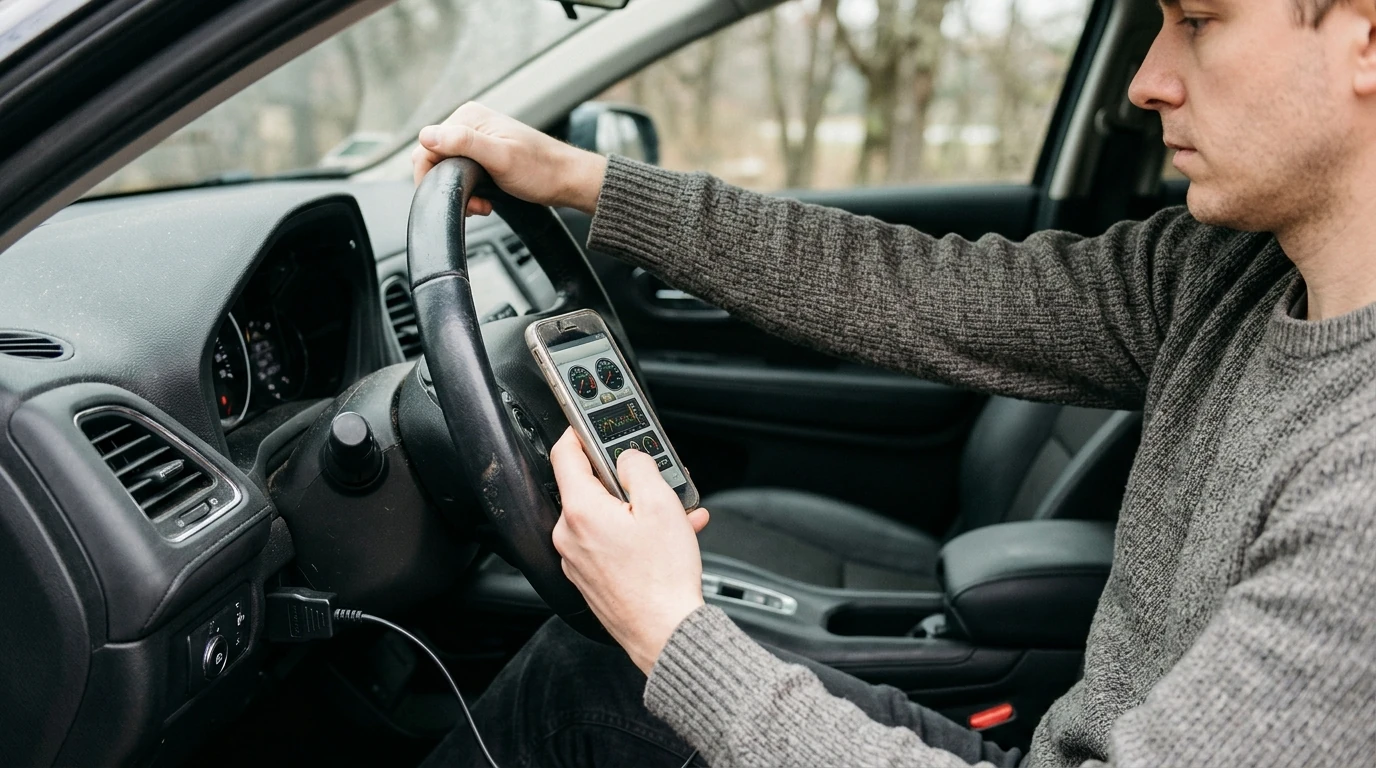
If you want an app to help diagnose your car’s problems, start with an OBD2 scanner app that pairs with a Bluetooth OBD2 adapter. This setup can read trouble codes, show live sensor data, and help you narrow down likely causes before you book a repair. Our team recommends choosing an app based on your phone type (iPhone vs. Android), your car’s make, and whether you want guided “symptom to cause” help or deeper live-data tools.
1) OBD2 code reader apps (best all-around)
These apps pull diagnostic trouble codes (DTCs) like P0420, show readiness monitors for emissions, and often include basic code definitions. Pair one with a quality Bluetooth OBD2 adapter and you’ll get the most reliable starting point for “check engine” issues.
2) Make-specific apps (best for deeper access)
Some vehicles expose extra modules and enhanced codes when you use an app built for that brand. If you drive a popular make, this can unlock features like ABS/SRS scanning or service resets that generic apps may not support.
3) AI symptom diagnosis apps (best when you don’t have a code yet)
If the problem is a noise, vibration, or behavior (stalling, rough idle, hard starts) without a warning light, AI-assisted symptom tools can help organize symptoms into likely systems to inspect. For a step-by-step approach, use our guide here: AI car symptom diagnosis: troubleshoot smarter.
Compatibility: Confirm the app supports your OS and that the adapter supports your vehicle protocol.
Live data: Look for graphs and key PIDs (RPM, coolant temp, fuel trims, O2/AFR, misfire counters if supported).
Report/Export: Saving a scan report helps you compare before/after a repair.
Safety: Avoid interacting with live gauges while driving; have a passenger monitor data if you must collect a driving log.
Scan codes, note freeze-frame data, clear codes only after recording, then recreate the conditions. If a code returns, use live data to confirm whether the issue is sensor-related, airflow/fuel-related, or a misfire/ignition problem.
Sometimes, but results vary. An OBD2 app may still show pending codes or unusual live data (like slipping-related RPM behavior), while make-specific apps can access transmission modules on certain vehicles.










Leave a comment