
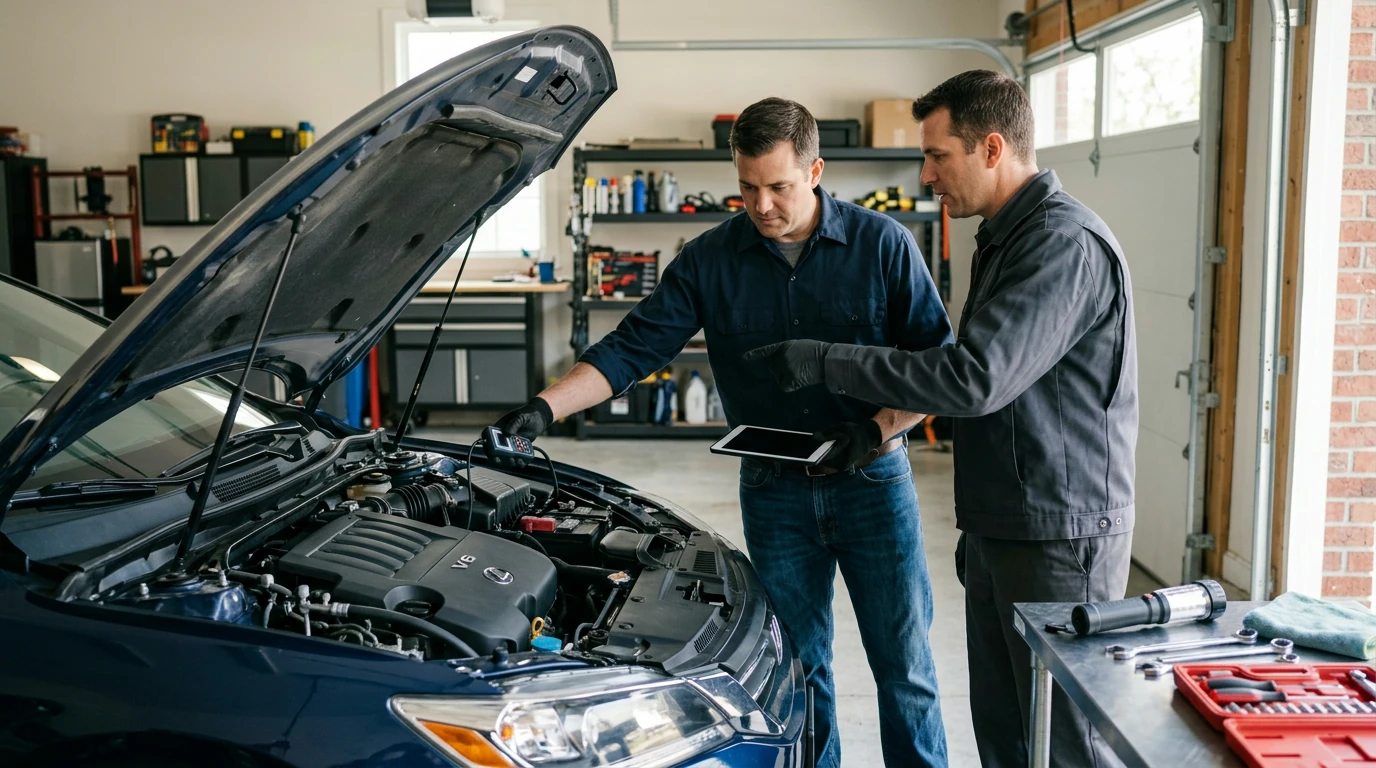
Your phone can help you narrow down a car problem, especially when the check engine light is on. For engine trouble codes, you’ll need an OBD-II scanner that plugs into your car’s diagnostic port and connects to a compatible app. You can also use your phone to record symptoms, look up your owner’s manual, and keep track of when a problem occurs. None of these steps replaces a hands-on inspection, but they can help you decide what to do next.
Most cars sold in the U.S. since 1996 have an OBD-II port, usually beneath the dashboard on the driver’s side. Choose a scanner that works with your phone’s operating system and connection type, such as Bluetooth or Wi-Fi. With the car parked safely, plug in the scanner, follow its app’s pairing instructions, and turn the ignition on as directed.
Some apps display live data and stored trouble codes. Others offer plain-language code descriptions or let you save a report. Our team recommends saving the exact code, rather than relying only on the app’s suggested repair.
A trouble code points to a system where the car detected an issue; it does not always identify the failed part. Note the code, any warning lights, and symptoms such as rough idling, hesitation, unusual smells, or a change in fuel economy. Record when the issue happens—at startup, while accelerating, or after the engine warms up. That information can make a mechanic’s diagnosis more efficient.
Avoid clearing codes before you save them. Clearing a code can also erase information that helps explain when the fault occurred. If your phone app shows no codes, that does not rule out a problem: basic scanners may not read every vehicle system.
If the check engine light is flashing, the engine is overheating, or you notice smoke, a strong fuel smell, or a serious loss of power, pull over somewhere safe and arrange professional help. Don’t handle your phone while driving. For a steady warning light with no severe symptoms, consult your owner’s manual and arrange an inspection if the light remains on.
For more ways to organize symptoms before a repair visit, see our guide to diagnosing car symptoms.
Your phone can help you document symptoms and consult your owner’s manual, but it generally cannot read the car’s diagnostic trouble codes without a compatible scanner or vehicle-specific connected service.











Leave a comment