
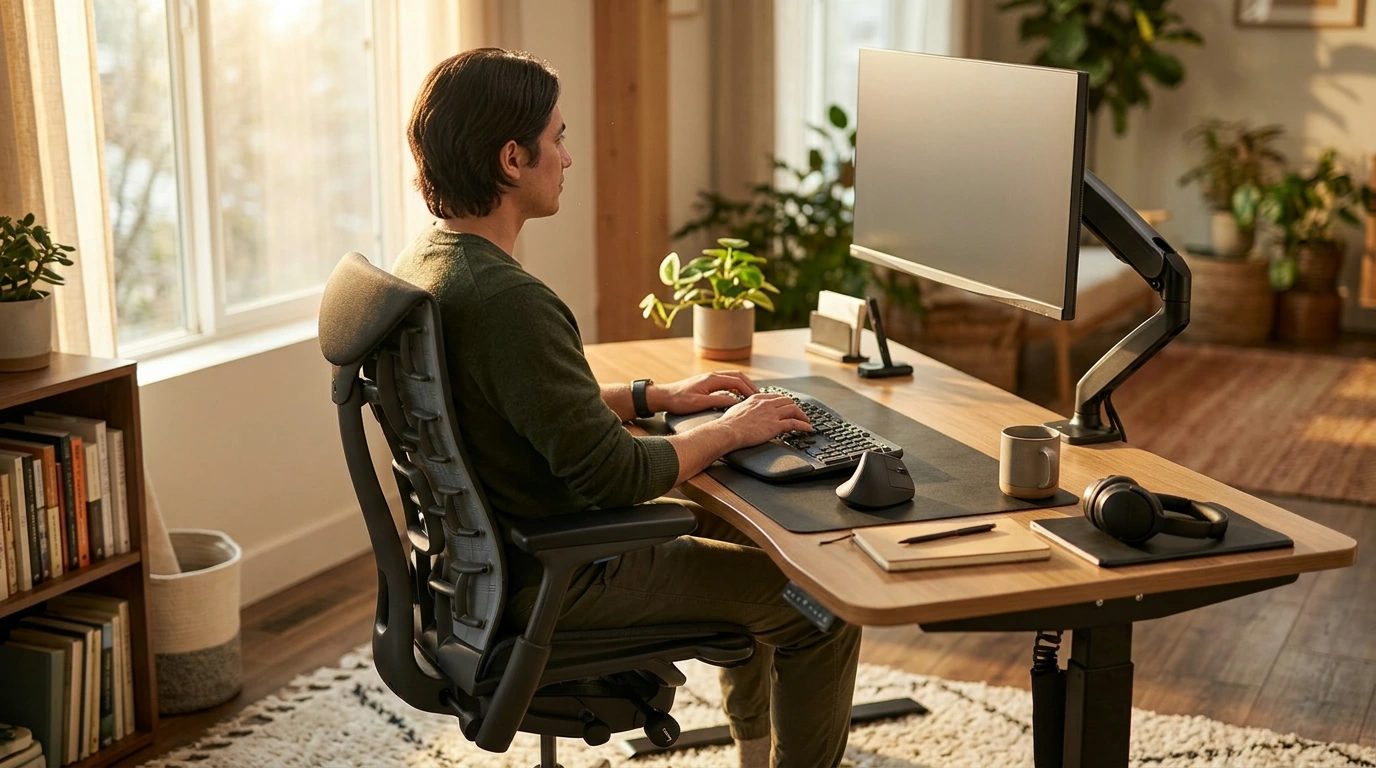
Ergonomic guidelines exist for one practical reason: to help your body do desk work with less strain. When your desk setup, sitting posture, and typing technique are aligned with those standards, you reduce common pressure points—neck, shoulders, wrists, and lower back—and you make it easier to stay comfortable long enough to focus. Our team sees it as a “systems” upgrade: small tweaks at your chair, screen, keyboard, and habits combine into a noticeably better workday.
A monitor that’s too low encourages a forward head tilt; a chair that’s too high can make you perch and shrug; a keyboard that’s too far away can lead to reaching and tense shoulders. Bringing these pieces into a neutral position helps keep joints stacked and muscles working efficiently, so you’re not paying for your work with soreness later.
Typing technique matters as much as the chair. When you type with bent wrists or “hover” with tense shoulders, your forearms and hands take extra load. A better setup supports relaxed shoulders, elbows near your sides, and wrists staying neutral while you use a light keystroke. If you use a mouse heavily, keeping it close and at the same height as your keyboard helps prevent constant reaching.
Discomfort is distracting. When your back support matches your spine, your feet are stable, and your screen is positioned to reduce neck craning, you spend less time fidgeting and more time working. Many people also find they can breathe more freely in a balanced seated posture, which supports steady energy.
Ergonomics isn’t a one-time fix; it’s a baseline you can return to daily. A quick reset—chair height, lumbar support, screen distance, and keyboard placement—helps you stay consistent even when you move between home, office, or a shared space.
For a step-by-step walkthrough, use our complete guide: https://freshtrendshelf.com/guide-ergonomic-sitting-for-focus-posture-reset-desk-setup/.
A good target is having the top of your screen around eye level so your neck stays neutral. If you wear progressive lenses, you may prefer the screen slightly lower to avoid tilting your head back.












Leave a comment